
What should you set up first in QuickBooks for a new business?
The bank account comes first, and it happens outside QuickBooks. After that, five settings decide how clean your reports will be a year from now: the fiscal year, the chart of accounts, the bank feeds, the users and, later, a closing date. Each one is easy to set on day one and slow to unpick once a few hundred transactions sit on top of it.
This guide covers QuickBooks Online (if you are still choosing, see QuickBooks Online versus Desktop). The Intuit and IRS wording below was checked in October and November 2026, and screens move, so Intuit's own help pages are the final word on where each button sits.
| Decision | What you're choosing | Where it's covered |
|---|---|---|
| Business bank account | One account the business runs through, apart from personal money | IRS Publication 583 |
| First month of fiscal year | The month your reporting year starts | Intuit year-end guide |
| Chart of accounts | The list of accounts every transaction lands in | Intuit chart of accounts article |
| Bank and card feeds | Which accounts connect, and from what start date | Intuit bank connection article |
| Users and roles | Who can see and change what | Intuit user roles article |
| Closing date | When reviewed months become locked | Intuit lock your books article |
Why does the bank account come before QuickBooks?
Because QuickBooks reads whatever the account gives it. IRS Publication 583 says you should keep your business account separate from your personal checking account, deposit all daily receipts into it, and treat the business checkbook as your basic source for recording expenses. If the card that buys stock also buys groceries, every grocery run is a transaction someone has to recode.
Which month should your year start in?
Intuit's year-end guide says to pick it from the First month of fiscal year dropdown in the Accounting section of your settings. Publication 583 explains that a calendar tax year runs January 1 to December 31, while a fiscal tax year is 12 consecutive months ending on the last day of any month except December. It also lists cases where a calendar year is required, including when you keep no books or records. Which year applies to your business is a question for your tax professional, so ask before you change this setting.
How should you shape the chart of accounts?
Around the questions you'll want your reports to answer. Intuit's chart of accounts article calls it a complete list of your company's accounts and their balances, used to keep your books and records current. It groups them as assets, liabilities, income and expenses, and says you can customize the list to fit your business needs.
Treat the default list as a draft. If you'll want to know how catering compares with walk-in sales, those need two income accounts from the start, because splitting one account later means reclassifying every transaction already in it. Too many accounts cause the opposite problem: a report nobody can read at a glance. Intuit says account numbers are optional.
What start date should the bank feeds use?
The date your books are meant to begin, no earlier. Intuit's bank connection article says you choose the start date from a date range dropdown when you connect, and that download timespans vary by bank, from 90 days up to 24 months. Pull in months before the business existed and you'll be reviewing transactions that don't belong in this file.
Connected doesn't mean finished. Intuit says downloaded transactions wait on the Bank transactions tab for you to review, categorize and add them to your books. If your bank or card company doesn't connect directly, Intuit says downloading and uploading transaction files is the only option. Either way, Intuit's year-end guide says to reconcile all your accounts monthly, and our guide to bank reconciliation versus bank feeds explains why a connected feed is not a reconciliation.
Starting QuickBooks from scratch?
Call TrustBooks Bookkeeping in Warren for a free consultation on setting it up.
Who should get access, and at what level?
Give each person the narrowest role that still lets them do their job. Intuit's user roles article lists these among the options:
| Role | What Intuit says it can do | Who it may suit |
|---|---|---|
| Primary admin | Access everything, including changing people's permissions and roles | The owner |
| Bookkeeper | Use the bookkeeping transactions and tools, but not view profit and loss, balance sheet or cash flow reports | Someone who enters bills, invoices and payments |
| In house accountant | Use all bookkeeping and account tools, plus the financial reports | Whoever keeps the books and reads the reports |
| Accounts receivable manager | Everything related to customers, sales and A/R reports | Someone who invoices and chases payment |
| Accounts payable manager | Everything with expenses, vendors and A/P reports | Someone who pays the bills |
| View reports | See all reports, except ones showing payroll or contact info | A partner who only reads the numbers |
Intuit also says your plan decides how many people can be assigned to its billable roles, so check the limit before you invite everyone.
When should you set a closing date?
Once a period has been reviewed. Intuit's lock your books article says locking stops changes to past transactions, and that you can't change any transaction on or before the lock date without approval. One option asks users for a password before an edit goes through. It's set under Advanced in Account and settings. Without it, a stray edit to last spring can change a report you've already handed someone.
What's different for a new Royal Oak business?
Royal Oak is a city of 58,211 people (2020 census) in Oakland County, roughly 10 miles north of downtown Detroit, per Wikipedia's Royal Oak entry. The same entry says it has one of the largest downtowns in Detroit's suburbs, which since the late 1990s has grown into an entertainment and nightlife destination.
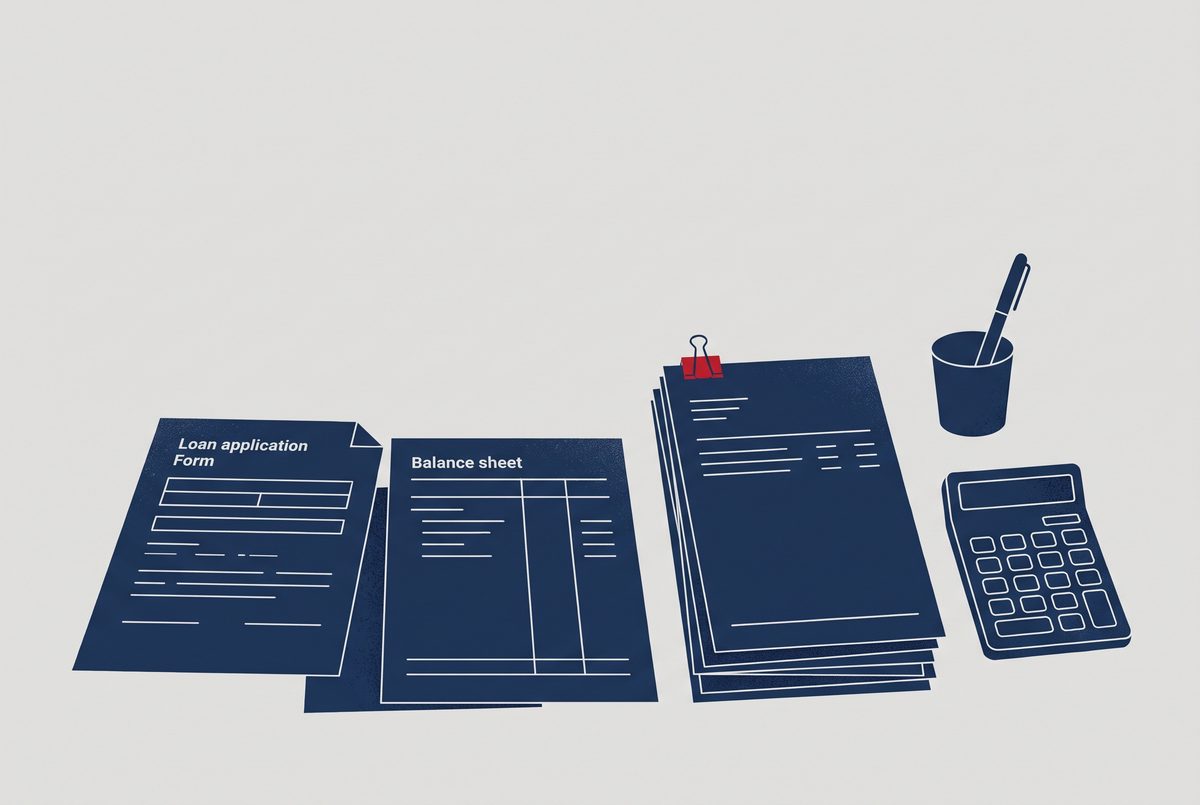
Two city pages are worth a look before you open. The City Clerk's Licensing Businesses page points owners to the city's ordinance and code records for business licensing rules. The city's Resources for Businesses page lists Small Business Development Centers, which it says offer business counseling and help preparing financial documents for an SBA loan. Statements like that come out of the books, so a clean setup now saves work later. See what bookkeeping for Royal Oak businesses covers.
How does TrustBooks help with QuickBooks setup?
TrustBooks offers QuickBooks setup and monthly services, covering QuickBooks Online or Desktop setup, chart of accounts customization, bank and card feed setup, user training, report customization and integrations. After setup, monthly bookkeeping covers transaction categorization, bank and credit card reconciliation and monthly financial statements. If a file has already drifted, catch-up bookkeeping cleans up past periods. TrustBooks is based in Warren, and you get direct access to your bookkeeper, Vince. Call (586) 863-6663 or use the contact form to book a free consultation. TrustBooks says it will get back to you within 24 hours.